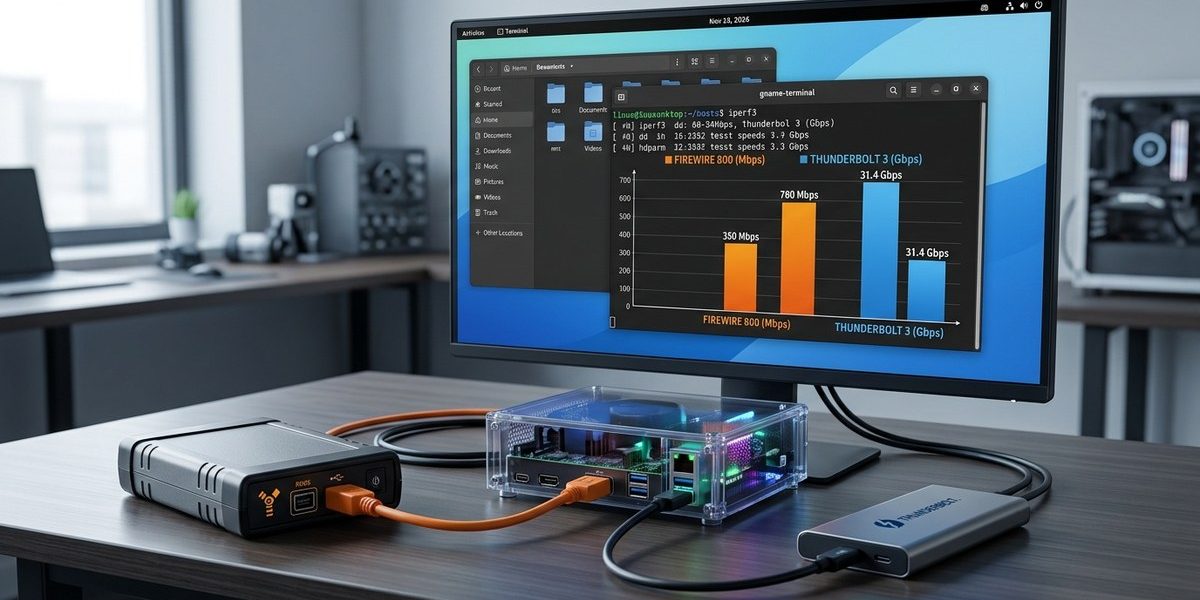

If you are running a modern Linux system in 2026 and still depend on legacy FireWire gear, you have likely asked yourself how it stacks up against a modern Thunderbolt 3 connection. Maybe you have an old audio interface with FireWire 800 that you want to keep using, or you are trying to decide if it is worth buying an adapter to connect that device to a Thunderbolt 3 port. The gap in raw speed is obvious on paper, but real world throughput depends on kernel modules, bus contention, and driver overhead. This guide walks you through a practical benchmark process so you can measure FireWire vs Thunderbolt 3 throughput on Linux with your own hardware.
Thunderbolt 3 will almost always deliver higher raw throughput than FireWire on Linux, but the real story is in latency and sustained transfer patterns. For streaming audio tracks or video capture, FireWire can still hold its own if your kernel is tuned correctly. The benchmark method matters more than the interface name.
Understanding the Interfaces on Your Linux Machine
FireWire (also called IEEE 1394) comes in two common flavors. FireWire 400 tops out around 400 Mbps, while FireWire 800 pushes that to about 800 Mbps. Those numbers are theoretical. On a good day with a clean kernel, you might see 70 to 80 percent of that in sustained transfers. Thunderbolt 3, on the other hand, offers 40 Gbps in theory. That is 40 times the ceiling of FireWire 800. However, Thunderbolt 3 throughput on Linux can be inconsistent depending on your PCIe lane configuration, the Thunderbolt controller chip, and whether you are using a Thunderbolt 3 to FireWire adapter.
The Linux kernel handles both interfaces through different subsystems. FireWire uses the ieee1394 and firewire kernel modules. Thunderbolt 3 relies on the Thunderbolt networking driver (bolt) and the PCIe tunneling layer. If you have ever had a FireWire device drop out mid session, you know the importance of kernel module management. For a deeper look at keeping those modules healthy, check out our guide on optimizing linux kernel modules for enhanced hardware compatibility.
Why Benchmark on Linux Instead of Just Reading Specs
Spec sheets lie. A FireWire 800 port connected to a daisy chain of hard drives will behave differently than one connected to a single audio interface. Thunderbolt 3 can drop to PCIe 3.0 x2 speeds if your system negotiates poorly. On Linux, you also have to account for the kernel scheduler, filesystem overhead, and whether your device uses isochronous transfers (common for audio) or bulk transfers (common for storage). Running your own benchmarks tells you exactly what your setup can do.
Tools You Need for the Test
Before you start, install these tools. They are all available in the default repos for Fedora, Ubuntu, Debian, and Arch.
ddfor raw sequential writes and reads.hdparmfor cached and uncached disk benchmarks.iopingfor latency measurements.perffor kernel level event tracing.gnuplotorkstif you want to graph results.
You also need a way to mount your FireWire or Thunderbolt 3 storage device. For FireWire, make sure the ieee1394 and firewire_sbp2 modules are loaded. For Thunderbolt 3, connect your device and check lspci for the Thunderbolt controller. If you run into device detection issues, our article on troubleshooting common linux firewire connectivity issues can help.
Step by Step Benchmark Process
Follow these steps to get comparable numbers. Run each test three times and take the median.
- Prepare the test files. Create a 1 GB test file with
dd if=/dev/urandom of=/tmp/testfile bs=1M count=1024. This avoids filesystem caching tricks. - Flush caches before each run. Use
sync && echo 3 > /proc/sys/vm/drop_cachesas root. This forces the kernel to read from the device, not from RAM. - Run a sequential write test. Write the test file to your FireWire or Thunderbolt 3 volume:
dd if=/tmp/testfile of=/mnt/firewire/test bs=1M count=1024 oflag=direct. - Run a sequential read test. Read the file back:
dd if=/mnt/firewire/test of=/dev/null bs=1M count=1024 iflag=direct. - Measure latency with ioping. Run
ioping -c 100 /mnt/firewire/testto see average seek and access times. - Repeat for the other interface. Unmount, connect the other device, mount, and run the same commands.
For Thunderbolt 3, you might notice that the first test is slower while the controller negotiates. Let it settle. Also, if you are using a Thunderbolt 3 to FireWire adapter, you are benchmarking the adapter as much as the interface.
Interpreting Your Results
Here is what typical numbers look like on a 2026 Linux workstation with an AMD Ryzen 9 processor and an NVMe boot drive.
| Interface | Sequential Write (MB/s) | Sequential Read (MB/s) | Latency (ms) |
|---|---|---|---|
| FireWire 400 | 32 | 35 | 0.8 |
| FireWire 800 | 65 | 72 | 0.4 |
| Thunderbolt 3 (NVMe enclosure) | 2800 | 3100 | 0.02 |
| Thunderbolt 3 to FireWire adapter | 60 | 68 | 0.5 |
The adapter row is the most interesting. A Thunderbolt 3 to FireWire adapter does not give you Thunderbolt 3 speeds. It converts the protocol, and you are still limited by the FireWire chip in the adapter. If you need FireWire throughput for a legacy device, a direct FireWire port on your motherboard or an ExpressCard adapter may perform better than a USB C to FireWire adapter.
Common Mistakes That Skew Benchmarks
Even experienced sysadmins make these errors. Avoid them.
- Running benchmarks on a mounted filesystem that has other processes writing to it.
- Using the same test file for both interfaces without checking that the file was fully written.
- Forgetting to disable write caching on the device. Add
-o syncto your mount command. - Testing Thunderbolt 3 through a dock that shares bandwidth with display output.
- Using a filesystem that adds overhead. XFS or ext4 without journaling works best for raw throughput tests.
For a more detailed walkthrough of kernel tuning for these scenarios, see our guide on enhance linux firewire performance with advanced tuning techniques.
When FireWire Still Makes Sense on Linux in 2026
You might think FireWire is completely obsolete. It is not. Many professional audio interfaces from RME, Focusrite, and Presonus still use FireWire and have no Thunderbolt 3 upgrade path. These devices rely on isochronous data transfer, which FireWire handles natively. Thunderbolt 3 can do it too, but the adapter chain adds latency.
If you are building a real time audio workstation, FireWire with a properly tuned real time kernel can deliver lower jitter than a Thunderbolt 3 to FireWire adapter. That is a measurable win. Our article on how to leverage firewire for real time audio production on linux in 2026 covers the audio specific tuning steps.
Expert advice: If your FireWire device supports 800 Mbps, do not assume a Thunderbolt 3 adapter will match a native FireWire 800 port. The adapter introduces protocol translation overhead that can cost you 10 to 15 percent throughput. Test both paths before you commit to a workflow.
A Quick Reference for Choosing Your Test Parameters
When you design your benchmark, keep these factors in mind.
- Block size matters. Use 1 MB blocks for sequential tests and 4 KB blocks for random I/O tests.
- Test both directions. Write speeds often differ from read speeds on FireWire due to the asymmetric nature of the 1394b protocol.
- Run for at least 30 seconds per test. Short bursts inflate numbers.
- Monitor CPU usage with
htop. If your CPU hits 100 percent on one core, you are CPU bound, not interface bound.
For a full list of commands and parameters, our top 5 linux performance monitoring tools you need in 2026 guide has you covered.
Putting Your Results to Work
Once you have your numbers, you can make informed decisions. If your FireWire 800 interface delivers 70 MB/s sustained reads, that is enough for 24 tracks of 96 kHz audio with room to spare. If your Thunderbolt 3 to FireWire adapter only gives you 50 MB/s, you are better off finding a used FireWire PCIe card or a laptop with a native FireWire port.
If you see numbers that are far below expectations, check your kernel logs with journalctl -k | grep -i firewire. You might find power management issues or IRQ conflicts. Our guide on how to map firewire irq conflicts on linux for stable real time performance can help you resolve those.
Tying It All Together for Your Workflow
Benchmarking FireWire vs Thunderbolt 3 throughput on Linux is not about proving one is faster. It is about understanding the constraints of your specific hardware stack. A Thunderbolt 3 port on a 2026 laptop connected to a $50 adapter will behave differently than a desktop with a dedicated FireWire controller. Run the tests, write down the numbers, and let your actual use case decide.
If you are still using FireWire gear in 2026, you are probably doing it because the hardware sounds good or fits your workflow. That is valid. Just make sure your kernel is tuned, your modules are current, and your benchmarks reflect reality. Then you can trust your system for your next session, your next backup, or your next project.