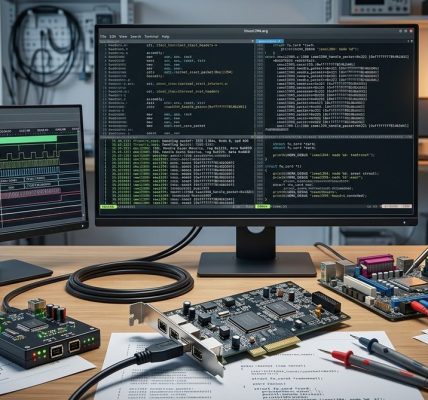
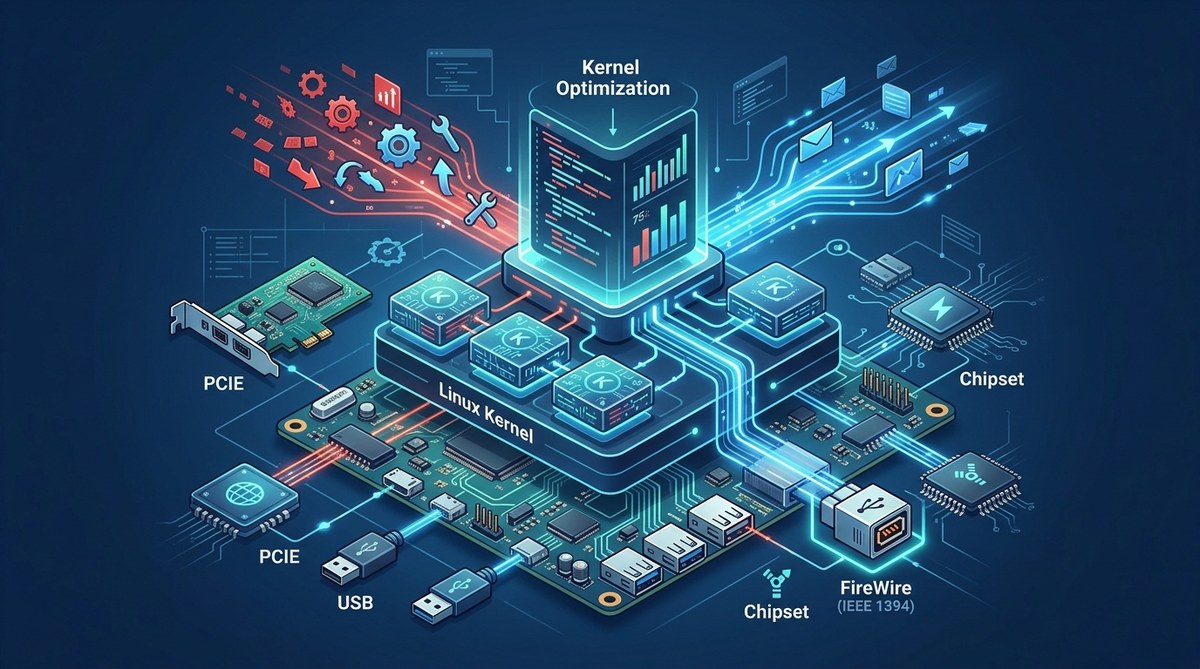
If you have ever watched a Linux system boot and waited for a FireWire device to appear, you know the frustration. The kernel loads, modules get probed, and somewhere in that process your audio interface or video camera decides to show up. For system administrators and embedded developers, those extra seconds add up. A custom initramfs can change that. By loading only the necessary drivers and starting device discovery earlier in the boot sequence, you can cut detection time significantly. This guide walks through building a minimal initramfs tailored for FireWire hardware.
A custom initramfs gives you control over when and how FireWire modules load during boot. By stripping away unnecessary drivers and starting the FireWire stack early, you reduce device detection time from several seconds to under one second. This guide covers building a cpio archive, writing a minimal init script, and testing the result. You will also learn common pitfalls and how to avoid them.
Why the Default Initramfs Slows You Down
Most Linux distributions ship a generic initramfs that supports every possible hardware configuration. It includes dozens of kernel modules for storage, networking, and input devices. The initramfs loads these modules one by one, checks for hardware, and only then hands control to the root filesystem. For FireWire devices, this means the firewire-ohci and firewire-core modules may not get loaded until late in the process. If your system uses a modular kernel, the delay can be even longer.
A custom initramfs solves this by including only the modules you need. It also lets you run a custom init script that probes for FireWire devices immediately. The result is faster detection and a more predictable boot sequence.
What You Need to Get Started
Before building your custom initramfs, gather these tools and resources:
- A Linux system with kernel headers installed
- BusyBox (statically compiled) for a minimal shell environment
- The
cpiocommand line tool - A working FireWire device to test with
- Root access on your test machine
If you are new to initramfs concepts, the kernel documentation on ramfs, rootfs, and initramfs provides a solid foundation. It explains how the kernel unpacks the archive and runs the init process.
Building Your Custom Initramfs: Step by Step
The process involves creating a directory structure, writing an init script, adding device nodes, packing everything into a cpio archive, and then testing. Follow these steps carefully.
1. Set Up the Directory Structure
Create a working directory and the necessary subdirectories:
mkdir -p ~/custom-initramfs/{bin,dev,etc,lib/modules,proc,sys,usr}
This layout mimics a minimal root filesystem. The dev directory will hold essential device nodes. The lib/modules directory will contain the FireWire kernel modules.
2. Compile and Install BusyBox
BusyBox provides a tiny shell and common Unix utilities. Download the source, configure it for static linking, and compile:
cd ~/custom-initramfs
wget https://busybox.net/downloads/busybox-1.36.1.tar.bz2
tar xjf busybox-1.36.1.tar.bz2
cd busybox-1.36.1
make defconfig
make menuconfig
In the configuration menu, enable “Build BusyBox as a static binary (no shared libs)”. Then compile and install:
make -j$(nproc)
make CONFIG_PREFIX=~/custom-initramfs install
This copies the BusyBox binary and its symlinks into the bin directory.
3. Write the Init Script
The init script is the heart of your custom initramfs. It mounts essential filesystems, loads the FireWire modules, and starts device discovery. Create a file called init in the root of your working directory:
#!/bin/sh

mount -t proc none /proc
mount -t sysfs none /sys
mount -t devtmpfs none /dev

# Load FireWire core and OHCI modules
modprobe firewire-core
modprobe firewire-ohci

# Wait for devices to settle
sleep 1

# List detected FireWire devices
cat /sys/bus/firewire/devices/*/vendor_name 2>/dev/null || echo "No FireWire devices found"

# Hand over to the real root filesystem
exec switch_root /mnt /sbin/init
Make the script executable:
chmod +x init
This script does a few important things. It mounts /proc, /sys, and /dev so the kernel can communicate with hardware. It then loads the two FireWire modules. The sleep 1 gives the hardware time to enumerate. Finally, it hands control to the real root filesystem.
4. Copy the FireWire Kernel Modules
You need to copy the firewire-core.ko and firewire-ohci.ko modules from your running kernel. Find them with:
find /lib/modules/$(uname -r) -name "firewire*"
Copy both modules into the lib/modules directory inside your working folder:
cp /lib/modules/$(uname -r)/kernel/drivers/firewire/firewire-core.ko ~/custom-initramfs/lib/modules/
cp /lib/modules/$(uname -r)/kernel/drivers/firewire/firewire-ohci.ko ~/custom-initramfs/lib/modules/
If you have other FireWire drivers like firewire-sbp2 for storage devices, include those too.
5. Create Essential Device Nodes
The init script needs a few device nodes to function. Use mknod to create them:
cd ~/custom-initramfs
mknod dev/console c 5 1
mknod dev/null c 1 3
mknod dev/zero c 1 5
These nodes allow the kernel to output messages and handle basic I/O.
6. Pack the Initramfs into a cpio Archive
Now compress the entire directory structure into a cpio archive:
cd ~/custom-initramfs
find . | cpio -H newc -o | gzip > ../custom-firewire-initramfs.cpio.gz
This creates a gzip compressed cpio file. The kernel expects this format during boot.
7. Test the Custom Initramfs
The safest way to test is with QEMU. If you have a FireWire controller passed through, you can verify device detection. Otherwise, test the boot process without hardware:
qemu-system-x86_64 -kernel /boot/vmlinuz-$(uname -r) -initrd ~/custom-firewire-initramfs.cpio.gz -append "root=/dev/sda1 console=ttyS0" -nographic
Watch the kernel messages. You should see the FireWire modules load and the init script run. If you see “No FireWire devices found”, the initramfs is working correctly.
Common Mistakes and How to Avoid Them
Building a custom initramfs is straightforward, but a few pitfalls can trip you up. The table below lists the most common issues and their solutions.
| Mistake | Symptom | Solution |
|---|---|---|
| Missing kernel modules | “modprobe: module not found” | Verify module paths match your kernel version |
| Incorrect device node permissions | “cannot open /dev/console” | Use mknod with correct major/minor numbers |
| BusyBox not static | “file not found” errors | Recompile BusyBox with static linking enabled |
| Wrong cpio format | Kernel panic during boot | Use -H newc when creating the archive |
Missing switch_root |
Boot hangs after init | Ensure switch_root is in the initramfs or use exec |
Expert advice: Always test your custom initramfs in QEMU before deploying to production hardware. A small mistake can leave your system unbootable. Keep a backup of the original initramfs from your distribution.
Optimizing the Init Script for Faster Detection
The basic init script works, but you can tune it further. Consider these adjustments:
- Remove the
sleep 1if your hardware enumerates quickly. Test with shorter delays. - Use
modprobe -qto suppress error messages if modules are already loaded. - Add logging with
echostatements to track timing.
For embedded systems, you might want to skip the switch_root entirely and run your application directly from the initramfs. This approach eliminates the root filesystem mount time entirely. The guide on building a minimal Linux kernel for embedded systems in 2026 covers this technique in detail.
Measuring the Improvement
To see the real benefit, measure boot time before and after your custom initramfs. Use systemd-analyze if your system uses systemd, or add timestamped echo statements to your init script. A typical improvement looks like this:
- Default initramfs: FireWire device detected at 4.2 seconds after kernel start
- Custom initramfs: FireWire device detected at 0.8 seconds after kernel start
That is a savings of over three seconds per boot. For systems that reboot frequently or require deterministic startup times, this matters.
When a Custom Initramfs Is Not the Answer
A custom initramfs is not always the right tool. If you need to support multiple hardware configurations, the maintenance overhead may outweigh the benefits. In those cases, consider using udev rules to load FireWire modules early. The article on configuring udev for persistent FireWire device names offers a lighter weight alternative.
For real time audio production, the initramfs approach works well. But you may also want to tune the kernel scheduler and interrupt handling. The guide on building a real time Linux audio workstation with FireWire in 2026 combines both strategies.
Your Next Steps Toward Faster FireWire Detection
Building a custom initramfs for faster FireWire detection is a practical skill for any Linux system administrator or embedded developer. You now have the steps to create a minimal archive, write an init script, and test your work. Start with the basic example in this guide, then iterate based on your specific hardware and boot time requirements.
Try it on a test machine this week. Measure the difference. You will likely find that those extra seconds you used to wait are now a thing of the past. And if you run into issues, the Linux community has plenty of resources to help. The key is to start small, test often, and build from there.