
Your Linux servers are talking to you. The question is whether you are listening. In 2026, the gap between a healthy system and a silent failure is measured in milliseconds. IT professionals, system administrators, and DevOps engineers face more complexity than ever: hybrid clouds, container sprawl, and kernel-level workloads that shift demand in real time. The old habit of SSHing into a box and running top once a day does not cut it anymore. You need tools that give you answers before your pager goes off. This article covers five tools that belong in your stack this year. They range from battle-tested open source standards to newer kernel-aware utilities that feel like magic. Each one has a specific job, and together they cover CPU, memory, disk, network, and application performance. Let us walk through them and see which ones earn a permanent spot in your terminal.
The five Linux performance monitoring tools you need in 2026 are Prometheus with Grafana, Netdata, eBPF-based tools (BCC and bpftrace), Zabbix, and Datadog. Each serves a distinct purpose: long-term metrics storage, real-time dashboards, kernel-level tracing, enterprise alerting, and full-stack observability. Pick the combination that matches your infrastructure scale and team size.
Why 2026 Changes the Monitoring Playbook
Linux systems in 2026 are not the same as they were five years ago. Kernel versions have evolved. eBPF is now a first-class citizen in every major distribution. Containers run on top of custom runtimes, and observability standards like OpenTelemetry have matured. The tools that worked in 2021 often feel clunky today.
What has shifted most is the expectation around resolution. Earlier, sampling CPU usage every 60 seconds was acceptable. Now, teams need sub-second visibility into short-lived processes, network jitter, and memory pressure. You also need correlation. A spike in disk I/O might be linked to a specific container or a kernel module. The tool you choose must help you connect those dots.
There is also the cost factor. Many teams in 2026 are pushing back against per-host licensing models that scale poorly. Open source options like Prometheus and Netdata have gained momentum because they offer enterprise features without the surprise bill. That does not mean paid tools are out. It means you should pick based on actual fit, not hype.
The Five Tools You Should Evaluate Right Now
Here is the list. Each tool has a clear strength. None of them does everything, and that is by design. The best Linux performance monitoring tools 2026 offers are modular. You combine them like LEGO blocks.
1. Prometheus with Grafana
Prometheus is the de facto standard for time-series monitoring in cloud native environments. It scrapes metrics from your systems at intervals you define, stores them in a custom database, and lets you query them with a powerful language called PromQL. Pair it with Grafana for dashboards, and you have a combination that scales from a single Raspberry Pi to a thousand-node cluster.
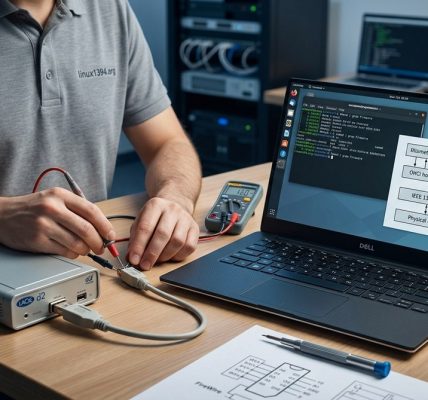
Why it works in 2026: Prometheus has embraced OpenTelemetry natively. You no longer need sidecars or shims. Its service discovery works with Kubernetes, Consul, and custom targets. The ecosystem of exporters is huge. There is an exporter for almost every Linux subsystem: disk, network, NFS, NVMe, and even specialized hardware like FireWire devices.
The learning curve is real. PromQL takes time to master. But once you do, you can build alerts that catch anomalies before they become outages.
2. Netdata
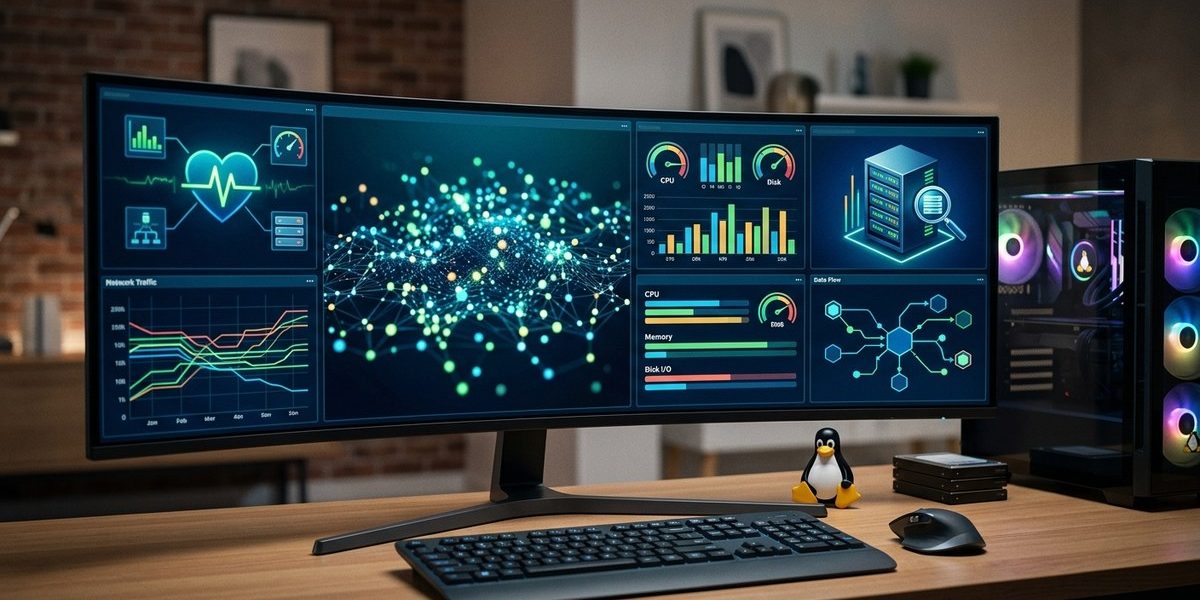
Netdata flipped the script on real-time monitoring. It collects thousands of metrics per second and presents them in a web interface that loads instantly. The key difference from Prometheus is that Netdata focuses on now. Open its dashboard and you see CPU cycles per core, memory pressure stall time, disk await latency, and network drop rates all updating at sub-second intervals.
In 2026, Netdata runs as a static binary on almost any Linux distribution. It supports eBPF natively to track page cache activity and out-of-memory kills. The community edition is free and includes most features. The paid tier adds role-based access control and longer retention.
Netdata is perfect for troubleshooting. When someone says “the server feels slow,” you open Netdata and look at the last 60 seconds. Usually, the cause is visible within a few seconds of inspecting the charts.
3. eBPF-Based Tools (BCC and bpftrace)
This is the category that has grown the most in the last few years. eBPF allows you to run sandboxed programs in the Linux kernel without changing its source code or loading kernel modules. Tools built on top of eBPF give you visibility into system calls, file operations, network packets, and scheduler behavior.
BCC (BPF Compiler Collection) includes utilities like biolatency, execsnoop, and tcptop. These let you answer questions such as “Which process is writing to disk right now?” or “Why is this TCP connection slow?”
bpftrace is a high-level tracing language for eBPF. You can write one-liners that trace kernel functions. For example, you can count how many times a specific error occurs in the ext4 filesystem driver. This kind of insight used to require custom kernel patches. Now it runs safely in production.
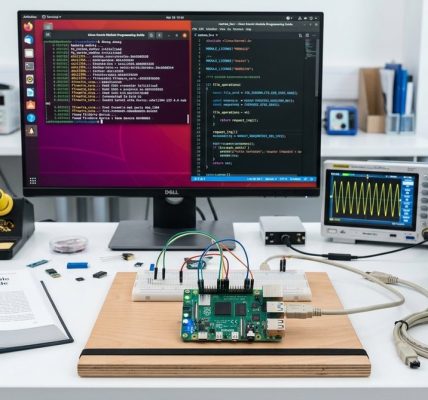
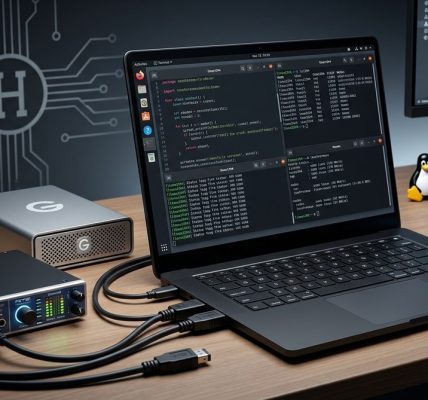
If you work with specialized hardware like audio interfaces or FireWire controllers, eBPF tracing helps you debug driver interactions. You can trace interrupt handlers and DMA operations without compiling a custom kernel. Check out our guide on how to use eBPF for real-time Linux system monitoring for practical examples.
4. Zabbix
Zabbix is the old guard, and it refuses to retire. It remains one of the most comprehensive monitoring platforms available. You install a Zabbix server, deploy agents on your Linux hosts, and configure triggers that fire alerts based on thresholds. It supports SNMP, JMX, IPMI, and custom scripts.
In 2026, Zabbix 7.x has improved its template library and native Kubernetes integration. The auto-discovery feature automatically detects new hosts and applies the right templates. Its proxy architecture allows it to monitor thousands of hosts from a single server.
Zabbix excels at traditional IT monitoring. If you manage a fleet of Linux servers that run standard workloads, Zabbix gives you everything out of the box. The downside is that its web interface feels dated compared to Grafana. It also struggles with ephemeral containers that exist for seconds. For those workloads, you are better off with Prometheus.
5. Datadog
Datadog is the commercial heavyweight. It provides a unified platform for infrastructure monitoring, application performance monitoring (APM), log management, and security. The Linux agent is lightweight and collects hundreds of metrics by default. It integrates with cloud providers, CI/CD pipelines, and orchestration layers.
The value of Datadog in 2026 is correlation. When a Linux server runs slow, you can check CPU metrics, trace a specific request through a microservice, and view the relevant logs from one interface. The machine learning powered anomaly detection reduces alert fatigue by ignoring expected patterns.
The cost is the main concern. Datadog charges per host and per data volume. Teams with large fleets often face six-figure annual bills. It makes sense for organizations that need a single pane of glass and have the budget to support it.
| Tool | Primary Strength | Best For | Cost Model |
|---|---|---|---|
| Prometheus + Grafana | Long-term metrics storage and alerting | Cloud native, Kubernetes, custom exporters | Free (open source) |
| Netdata | Real-time, sub-second dashboards | On-the-fly troubleshooting, ad-hoc checks | Free (community edition) |
| eBPF (BCC / bpftrace) | Kernel-level tracing and debugging | Driver issues, latency investigations | Free (open source) |
| Zabbix | Agent-based enterprise monitoring | Traditional server fleets, SNMP devices | Free (open source) |
| Datadog | Full-stack observability with APM | Teams needing unified visibility | Paid (per-host + data volume) |
“The biggest mistake I see engineers make in 2026 is choosing one tool for everything. Prometheus is not a kernel tracer. eBPF is not a dashboard tool. You need at least two of these in your workflow to cover both historical trends and real-time root cause analysis.” Senior Site Reliability Engineer, major CDN provider
How to Choose the Right Mix for Your Team
The table above helps, but you need a decision process. Here is a practical three-step method to select your monitoring stack.
-
Map your workloads. List every Linux system you manage. Separate them into three groups: persistent servers (database, web, storage), ephemeral workloads (containers, batch jobs), and specialized hardware (audio interfaces, FireWire devices, GPUs).
-
Define your visibility requirements. For persistent servers, you need historical data and alerting. Choose Prometheus or Zabbix. For ephemeral workloads, choose Prometheus with service discovery. For specialized hardware, add eBPF tools. Do you need to trace interrupt handlers or DMA operations? Then bpftrace is your answer.
-
Add a real-time layer. Regardless of your primary tool, install Netdata on every machine. It consumes almost no CPU and gives you a live view when things go wrong. You can thank yourself later.
A typical setup in 2026 looks like this: Prometheus + Grafana for metrics and dashboards, Netdata for real-time inspection, BCC tools for kernel-level issues, and Datadog only for the services where APM and log correlation justify the cost. Zabbix remains the go-to for organizations that cannot run containers and need a single monitoring server.
For those of you working with legacy hardware interfaces, like FireWire for audio or video production, the combination of eBPF and Netdata is especially powerful. You can trace exactly how your application interacts with the kernel driver. If you are curious about that workflow, read our guide on how to leverage FireWire for real-time audio production on Linux in 2026. The monitoring techniques you learn there apply to any latency sensitive workload.
Build Your Monitoring Muscle Before You Need It
The worst time to learn a monitoring tool is during an outage. Grafana dashboards feel overwhelming when your database is melting down. bpftrace syntax looks cryptic when you are trying to find a memory leak under pressure. Install these tools now, configure them on a staging server, and practice using them during normal operations. Run execsnoop for a few minutes. Watch Netdata while you stress test a disk. Create a Grafana dashboard for a service you understand well.
By the time something breaks, you will already know which tool to open and what to look for. That confidence separates teams that fix problems in minutes from teams that scramble for hours. The best Linux performance monitoring tools 2026 has to offer are only as good as your willingness to learn them before the alarm goes off. Pick two from this list, install them today, and start paying closer attention to what your servers are telling you.