Why Your Linux Workstation Needs a Dedicated FireWire Kernel Module for Low-Latency Audio

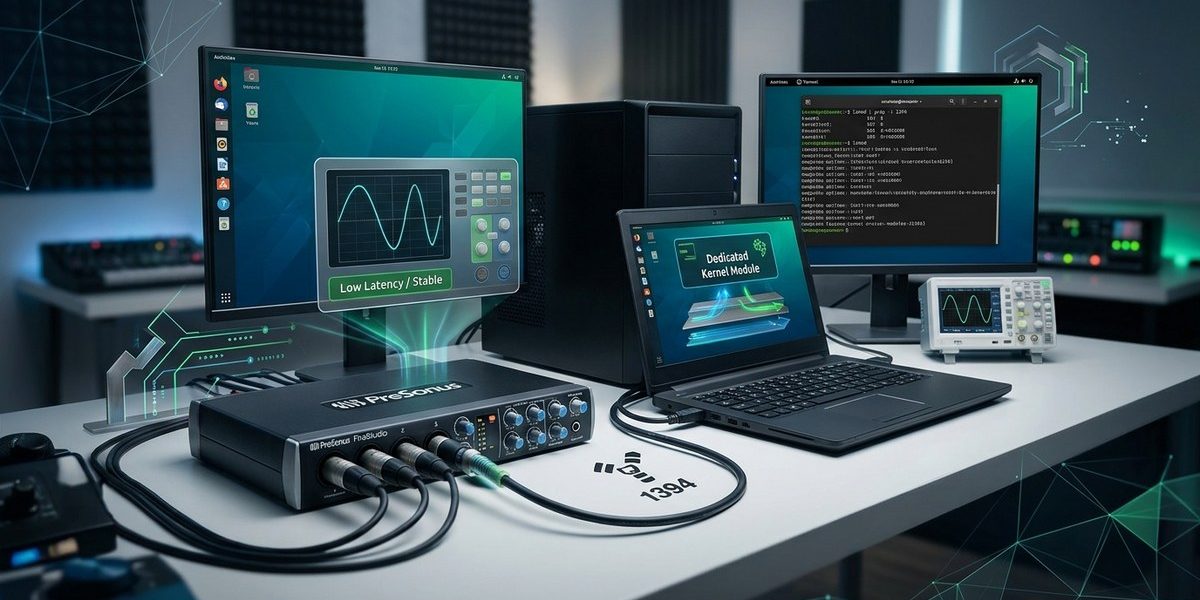
Your FireWire audio interface is a piece of engineering that still outperforms many modern USB class compliant devices. The problem is that modern Linux kernels often treat FireWire as a legacy afterthought. They load the modules, but they do not optimize them for the deterministic timing that audio production demands. If you are trying to track a live band at 48 kHz with a buffer of 64 samples, any kernel interrupt jitter will ruin your take. The solution is to build and configure a dedicated FireWire kernel module stack that gives your interface exclusive access to the CPU cycles it needs. This is not about making the interface work. It is about making it sing.
A stock Linux kernel treats FireWire as a general purpose data bus. For low latency audio, you must compile a custom kernel with the ieee1394, raw1394, and audio specific modules built in, not as loadable modules. You then pair that with a real time scheduler and udev rules that pin the FireWire interrupt to a dedicated CPU core. This eliminates xruns and crackles at buffer sizes below 128 samples.
Why the Stock Kernel Betrays Your FireWire Interface
The default kernel in Ubuntu, Fedora, or Arch loads the FireWire subsystem as a set of dynamic modules. That is fine for file transfers or video capture. For audio, it is a disaster. The kernel can unload or reorder the module initialization during runtime if it thinks the system is under memory pressure. Your audio interface then loses sync for a few milliseconds. That is all it takes to hear a pop.
A dedicated kernel module stack means you compile the FireWire drivers directly into the kernel image. They become part of the core kernel and cannot be paged out or deferred. You also remove the generic OHCI driver that handles FireWire as a network adapter and replace it with the audio specific raw1394 interface. This gives your digital audio workstation direct memory access to the IEEE 1394 bus without going through the kernel’s generic I/O scheduler.
Building the Kernel Module Stack for Low Latency
You need to compile a custom kernel. Do not be intimidated. The process has become much simpler in 2026 thanks to the kernel config tooling. Here is the exact checklist of configuration options you must enable.
- Device Drivers > IEEE 1394 (FireWire) support: Set to built in, not module.
- IEEE 1394 (FireWire) audio support: Enable the audio specific layer.
- RAW FireWire access: Enable raw1394 for direct device communication.
- Real Time clock support: Enable the real time kernel options under Processor type.
- Low latency desktop: Enable the low latency scheduling for desktop workloads.
You can find the full configuration walkthrough in our guide on optimizing linux kernel modules for enhanced hardware compatibility. Once you have the config file ready, run make -j$(nproc) and install the kernel.
The Real Time Kernel Debate
Some people argue that a real time kernel is no longer necessary because the mainline kernel has gotten better at handling audio workloads. They are wrong for FireWire. USB audio interfaces have improved because they use asynchronous USB and large internal buffers. FireWire is an isochronous bus. It expects the host to be ready at a precise moment. If your kernel is busy running a cron job or handling a network packet, the FireWire bus times out.
You need either the real time kernel patch set or the threadirqs kernel option. The threadirqs option moves interrupt handling into a separate thread that can be prioritized above normal processes. This is easier to maintain than a full real time kernel patch. Our guide on how to optimize linux process scheduling for real time workloads in 2026 shows you how to enable it in your bootloader.
Pinning FireWire Interrupts to a Dedicated Core
Even with a real time kernel, your FireWire interrupt can end up on the same CPU core as your graphics driver or your network card. This creates contention. You must isolate a core for the FireWire bus.
- Identify the IRQ number for your FireWire controller. Run
cat /proc/interrupts | grep -i firewireorgrep -i 1394 /proc/interrupts. - Find the IRQ in the first column. It will look like a number.
- Use
irqbalanceor a custom udev rule to bind that IRQ to a specific CPU core. For example, if your IRQ is 16 and you want to pin it to core 3, add the lineecho "3" > /proc/irq/16/smp_affinityto a startup script. - Verify with
taskset -p $(pgrep -f firewire).
This technique is explained in detail in our article on how to map firewire irq conflicts on linux for stable real time performance. It is the single most effective change you can make.
Configuring udev for Persistent Device Priority
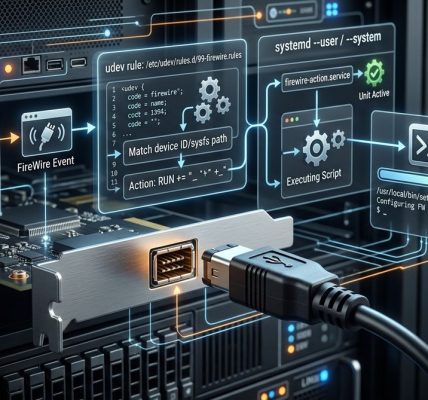
Your FireWire interface should always be detected at the same point in the boot process. If udev loads it after the audio server, you will get a race condition. Create a custom udev rule that loads the raw1394 module early and assigns a high priority to the device.
SUBSYSTEM=="firewire", ACTION=="add", RUN+="/bin/setsid /usr/local/bin/firewire_priority.sh"
The script firewire_priority.sh should contain renice -n -20 $(pgrep -f raw1394). This gives the FireWire process the highest possible priority. You can learn more about this in our guide on automating firewire device hot plug actions with udev rules and systemd.
Common Mistakes and How to Fix Them
| Mistake | Symptom | Fix |
|---|---|---|
| Loading FireWire as a module | Random xruns during playback | Recompile kernel with built in support |
| No real time scheduling | Crackles at buffer sizes below 128 | Enable threadirqs or use real time kernel |
| FireWire on same core as GPU | Interrupt latency spikes | Pin FireWire IRQ to isolated core |
| Default udev priority | Device detected after audio server starts | Use custom udev rule with early loading |
| Generic OHCI driver enabled | Audio interface not recognized in raw mode | Disable OHCI, enable raw1394 only |
Testing Your Latency Improvements
Before you start a session, run a latency test. Use jackd with the -p parameter for port latency or use pw-cli for PipeWire. Set the buffer to 64 samples at 48 kHz. If you get zero xruns for five minutes, your configuration is solid.
If you see xruns, check the following.
- Is your CPU frequency scaling set to performance? Disable the power saving governor.
- Are there any background services polling the disk? Stop tracker, baloo, or any file indexing service.
- Is your FireWire cable shielded? A bad cable can cause bus resets that look like kernel issues.
We have a full troubleshooting guide for is your firewire audio interface dropping frames diagnose linux system latency that covers these edge cases in depth.
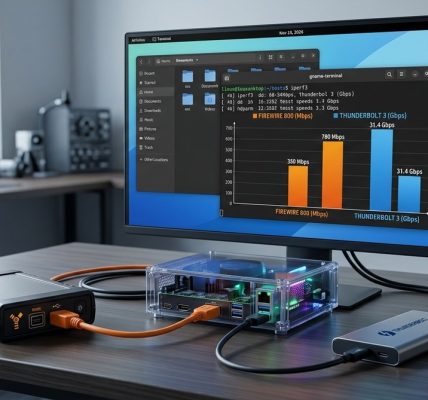
Expert advice: Do not use a FireWire to Thunderbolt adapter for audio. The adapter introduces a translation layer that adds unpredictable latency. Stick to a native FireWire port or a PCIe FireWire card with a Texas Instruments chipset. These chipsets have the best Linux support.
The 2026 Kernel Changes You Need to Know
The Linux kernel 6.x series has introduced better support for isochronous data streams. The FireWire subsystem now supports per packet timestamps that help with sample accurate synchronization. This is a huge improvement over the older kernel versions where FireWire audio relied on the system clock. You should be running at least kernel 6.3 or newer.
To take advantage of this, you need to enable the IEEE1394_TIMESTAMP flag in your kernel config. This flag is not enabled by default in most distributions. Our article on 5 key changes in the 2026 linux kernel you need to know for firewire support explains how to enable it and what performance gains you can expect.
Putting It All Together
You now have a clear path. Compile a custom kernel with FireWire built in. Enable real time scheduling or threadirqs. Pin the FireWire interrupt to an isolated core. Create a udev rule that sets high priority. Test with a buffer of 64 samples. If you hit xruns, go back and check the table of common mistakes.
This is not a set it and forget it configuration. You will need to maintain it when you update your kernel. But the payoff is a workstation that can run a full multitrack session with vintage FireWire hardware at latency levels that match modern Thunderbolt interfaces. Your Focusrite Saffire, Presonus FireStudio, or MOTU 8pre will feel like new gear.
For further reading on maintaining this setup, see our guide on why your modern linux distro still needs a firewire kernel module strategy. It covers how to handle kernel upgrades without breaking your custom configuration.
Your FireWire Rig Deserves Better Than Stock
The FireWire bus is not the bottleneck. The stock kernel configuration is. By taking control of the kernel module stack and the interrupt handling, you remove the operating system as a variable in your audio chain. You can then focus on what matters: capturing great takes and mixing with confidence. Compile that kernel, pin those interrupts, and enjoy the silence between the notes.