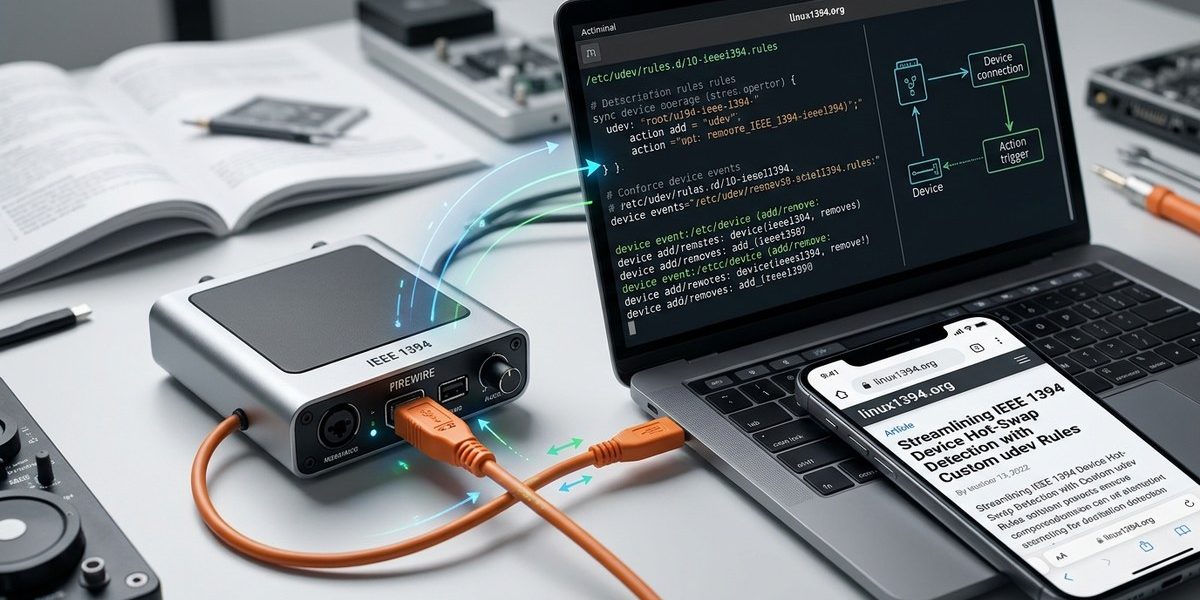

If you work with legacy FireWire hardware on a modern Linux system, you already know the drill. You plug in a camera, a hard drive, or an audio interface, and nothing happens. The kernel sees the device, but udev does not fire the right action. You end up manually running dmesg, checking lsusb or lspci, and then mounting the volume by hand. That workflow gets old fast, especially when you manage multiple embedded Linux systems or a lab full of IEEE 1394 gear. The good news is that you can fix this with a single, well written udev rule. In this guide, I will show you exactly how to build a custom udev rule for IEEE 1394 hot swap detection, test it, and make it stick across reboots.
A custom udev rule for IEEE 1394 devices lets you automate mounting, run scripts, and trigger systemd services the moment a FireWire device is plugged in or removed. By matching on vendor ID, product ID, or subsystem attributes, you can create a reliable hot swap detection system that works across kernel 6.x and modern Linux distros in 2026.
Why IEEE 1394 needs special udev treatment
Most modern peripherals use USB or Thunderbolt, and udev handles those interfaces with mature, built in rules. FireWire is different. The IEEE 1394 subsystem in Linux relies on the firewire kernel module and the ieee1394 framework, which do not always trigger the same udev events as USB mass storage devices. When you connect a FireWire hard drive, the kernel might load the sbp2 driver (Serial Bus Protocol 2) and present a block device, but udev may not automatically run any rules unless you explicitly write them.
This gap is especially painful for embedded Linux developers and system administrators who need deterministic behavior. You want the system to mount a FireWire backup drive the instant it appears, or to launch a data ingestion script when a camera connects. Without a custom rule, you are stuck polling or manually intervening.
Understanding the udev event flow for FireWire
Before writing a rule, it helps to understand the chain of events when you plug in a FireWire device.
- The kernel detects the new hardware on the FireWire bus.
- The
firewiremodule negotiates with the device and loads the appropriate driver (for example,sbp2for storage orieee1394_filefor a camera). - Udev receives a device event from the kernel, which includes attributes like
SUBSYSTEM,ID_VENDOR,ID_MODEL, andDEVTYPE. - Udev scans its rule files in
/etc/udev/rules.d/and/usr/lib/udev/rules.d/for matching conditions. - If a rule matches, udev runs the specified actions.
The problem is that many FireWire devices do not have default rules in modern distributions. Ubuntu 24.04 and Fedora 40, for example, ship with only generic IEEE 1394 rules that handle basic device recognition but skip user defined actions like mounting or scripting. You have to fill that gap yourself.
Writing your first IEEE 1394 udev hot swap rule
Let us build a rule that automatically mounts a FireWire hard drive when it is connected and unmounts it when removed. I will use a real world example: a LaCie 500GB FireWire drive with a known vendor ID.
First, identify your device. Plug in the FireWire drive and run:
udevadm monitor --property
Then unplug and replug the device. Watch the output for attributes like ID_VENDOR_ID and ID_MODEL. You can also use udevadm info --attribute-walk --name /dev/sdX, replacing sdX with the actual device node.
Once you have the attributes, create a new rule file:
sudo nano /etc/udev/rules.d/99-firewire-hotswap.rules
Here is a complete rule that matches a FireWire mass storage device and mounts it to /media/firewire_backup:
ACTION=="add", SUBSYSTEM=="block", SUBSYSTEMS=="scsi", ATTRS{vendor}=="LaCie", ATTRS{model}=="FW 500GB", RUN+="/usr/local/bin/mount_firewire.sh"
ACTION=="remove", SUBSYSTEM=="block", SUBSYSTEMS=="scsi", ATTRS{vendor}=="LaCie", ATTRS{model}=="FW 500GB", RUN+="/usr/local/bin/unmount_firewire.sh"
This rule triggers on both add and remove actions. It filters by the block subsystem and the parent SCSI subsystem, which is how FireWire storage devices appear. The ATTRS keys match the vendor and model strings from your device.
Building the helper scripts
The rule calls two scripts. Keep them simple. Here is an example mount_firewire.sh:
#!/bin/bash
DEVICE="$DEVNAME"
if [ -n "$DEVICE" ]; then
    /bin/mount /dev/"$DEVICE" /media/firewire_backup
    /usr/bin/logger "FireWire backup drive mounted at $DEVICE"
fi
And the unmount script:
#!/bin/bash
/bin/umount /media/firewire_backup
/usr/bin/logger "FireWire backup drive unmounted"
Make both scripts executable:
sudo chmod +x /usr/local/bin/mount_firewire.sh
sudo chmod +x /usr/local/bin/unmount_firewire.sh
Then reload the udev rules:
sudo udevadm control --reload-rules
Now plug in your FireWire drive. The rule should fire, and the drive should appear under /media/firewire_backup.
Common mistakes and how to avoid them
Even experienced Linux users trip on a few details when writing udev rules for FireWire. Here is a table of the most frequent mistakes and the fixes.
| Mistake | Symptom | Fix |
|---|---|---|
| Matching on the wrong subsystem | Rule never triggers | Use SUBSYSTEM=="block" for storage, not SUBSYSTEM=="firewire" |
Using ATTR instead of ATTRS |
Attribute not found | ATTRS walks up the device tree; ATTR only checks the current level |
| Forgetting to reload rules | Old rules still apply | Always run sudo udevadm control --reload-rules after editing |
| Script path does not exist | Rule fails silently | Test the script manually from the terminal first |
| Device node not ready when rule runs | Mount fails | Add a short sleep 1 in the script or use udevadm settle |
Expert advice: Always test your rule with
udevadm testbefore relying on it in production. Runsudo udevadm test /devices/pci0000:00:00.0/0000:00:0a.0/firewire/...using the full device path fromudevadm monitor. This simulates the event without actually needing to unplug the hardware.
Going beyond mounting: automation with systemd
A udev rule does not have to run a script directly. You can use it to start a systemd service, which gives you better process control, logging, and dependency handling. This is especially useful for embedded systems where you need to sequence operations.
Create a systemd service file, for example /etc/systemd/system/firewire-backup.service:
[Unit]
Description=FireWire backup mount service

[Service]
Type=oneshot
ExecStart=/usr/local/bin/mount_firewire.sh
ExecStop=/usr/local/bin/unmount_firewire.sh
RemainAfterExit=yes
Then modify your udev rule to use systemctl start instead of RUN:
ACTION=="add", SUBSYSTEM=="block", SUBSYSTEMS=="scsi", ATTRS{vendor}=="LaCie", ATTRS{model}=="FW 500GB", TAG+="systemd", ENV{SYSTEMD_WANTS}="firewire-backup.service"
This approach decouples the hardware event from the action. The service can include dependencies, timeouts, and restart logic. If the mount fails, systemd can retry it. If you need to debug, journalctl -u firewire-backup.service gives you the full story.
Testing and debugging your rules
Even a simple rule can fail due to permissions, missing environment variables, or timing. Use these steps to debug.
-
Monitor events in real time:
sudo udevadm monitor --property
This shows every event as it happens. Look for your device and note the attributes. -
Test a rule without hardware:
sudo udevadm test /devices/pci.../firewire/...
Replace the path with the full device path from the monitor output. Udev will print which rules match and what actions would run. -
Check the system log:
journalctl -f
If your script useslogger, the messages appear here. If the rule fails silently, the journal often contains the reason. -
Verify script execution:
Run the script manually with the same environment variables that udev provides. For example:
sudo DEVNAME=sdb /usr/local/bin/mount_firewire.sh
Adapting the rule for different FireWire devices
The example above targets a specific vendor and model. What if you have multiple types of FireWire devices? You can generalize the rule by matching on broader attributes.
For any FireWire mass storage device, use:
ACTION=="add", SUBSYSTEM=="block", SUBSYSTEMS=="firewire", RUN+="/usr/local/bin/auto_mount.sh"
This matches any block device that has a FireWire parent. The script can then inspect ID_FS_LABEL or ID_MODEL to decide where to mount.
For FireWire cameras that use the ieee1394 protocol (not mass storage), match on the video subsystem:
ACTION=="add", SUBSYSTEM=="video4linux", SUBSYSTEMS=="firewire", RUN+="/usr/local/bin/ingest_camera.sh"
This is useful for video capture workflows where you want to start recording the moment a camera is connected.
Security considerations for automated mounts
Automatically mounting external devices carries risk. An attacker could plug in a FireWire drive with a malicious filesystem. For production systems, consider these precautions:
- Use
noexec,nosuid, andnodevmount options in your script. - Mount to a dedicated directory with restricted permissions.
- Verify the filesystem type before mounting (for example,
blkid -o value -s TYPE /dev/$DEVICE). - For embedded systems, whitelist specific device serial numbers using
ATTRS{serial}.
If you need to audit which devices have been connected, check out our guide on mastering system monitoring tools for Linux power users for techniques to log udev events persistently.
Putting it all together in 2026
Linux kernel 6.x continues to support IEEE 1394, but the community around FireWire hardware is smaller than it used to be. That means fewer prebuilt rules and less hand holding. Writing your own udev rule for IEEE 1394 hot swap detection is not difficult, but it requires understanding the device tree and testing your assumptions.
Here is a final checklist to run through:
- Identify your device attributes with
udevadm monitorandudevadm info. - Write a rule file in
/etc/udev/rules.d/with a priority number lower than 99 to ensure it runs early. - Test the rule with
udevadm testbefore plugging in the real hardware. - Use systemd services for complex actions or when you need reliable start/stop behavior.
- Log everything during development, then strip logging for production.
For more advanced scenarios, such as handling multiple FireWire buses or integrating with real time audio workflows, take a look at how to leverage FireWire for real time audio production on Linux in 2026. And if you run into connectivity problems, the troubleshooting common Linux FireWire connectivity issues page covers the most frequent pitfalls.
Making hot swap detection a habit
The biggest shift comes when you stop treating FireWire devices as special snowflakes and start treating them like any other hot swappable peripheral. With a custom udev rule, your Linux system handles IEEE 1394 hardware the same way it handles a USB drive. Plug it in, and the work happens automatically. Unplug it, and the system cleans up.
Start with one rule for your most used device. Test it. Refine it. Then add rules for the rest of your FireWire gear. Within an afternoon, you can automate a workflow that used to require manual steps every single time. That is the kind of improvement that makes a real difference in your daily work, whether you are in an embedded Linux lab or managing a fleet of legacy hardware. Give it a try this week, and see how much smoother your FireWire devices behave.