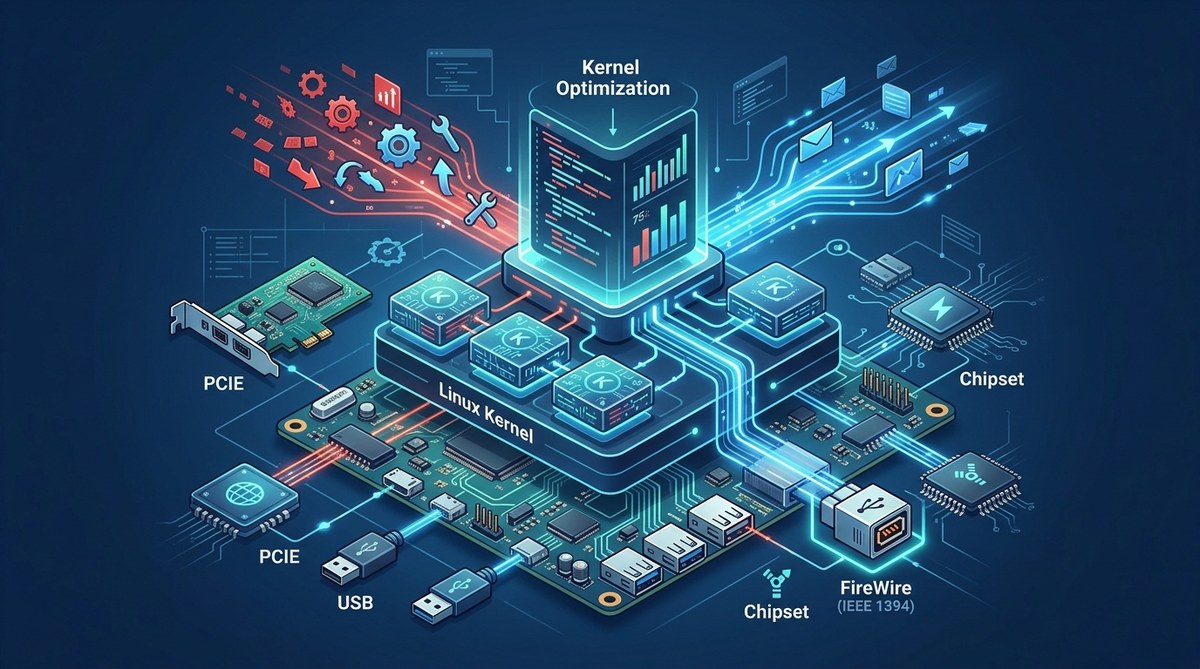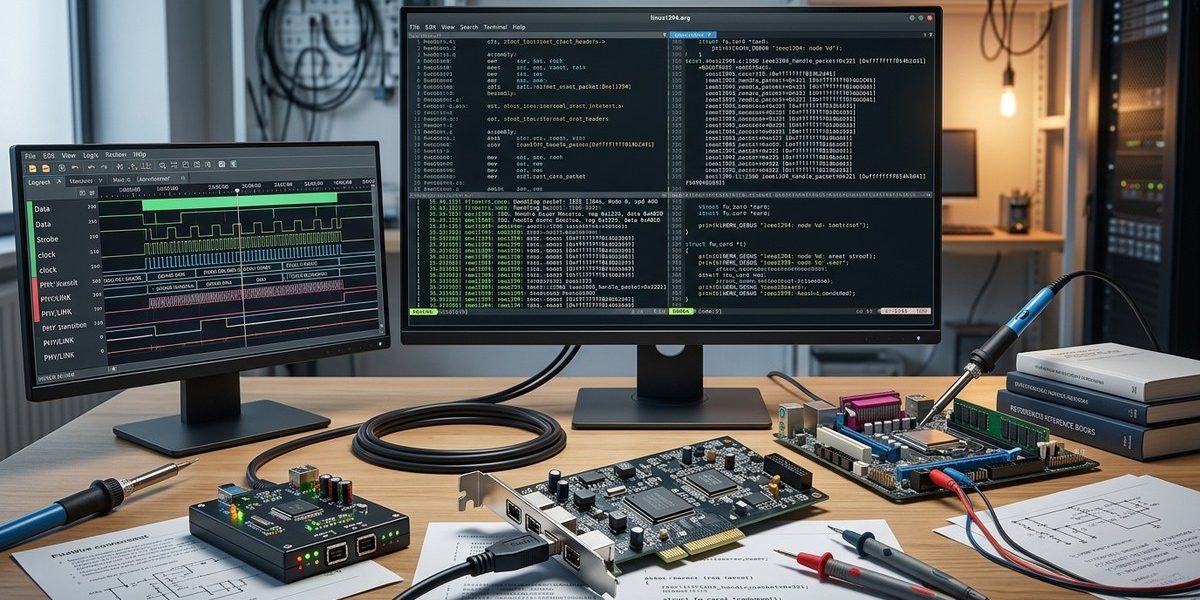

When working with FireWire interfaces on Linux systems, kernel developers often face complex debugging challenges. FireWire, also known as IEEE 1394, has been a popular high-speed interface for multimedia and data transfer tasks. However, kernel-level bugs, driver issues, or hardware communication problems can cause system instability or data loss. Understanding how to debug Linux kernel components related to FireWire interfaces is essential for maintaining reliable hardware support and optimizing performance.
Effective Linux kernel debugging for FireWire interfaces involves understanding kernel internals, utilizing specialized tools like printk, dmesg, KGDB, and ftrace. Following structured processes helps identify issues, analyze logs, and fix bugs efficiently, ensuring stable hardware communication and system performance.
Debugging FireWire interfaces at the kernel level requires a mix of knowledge, precise tools, and methodical procedures. FireWire’s complex hardware communication protocols and dynamic driver modules can make troubleshooting a daunting task. Fortunately, Linux provides a suite of debugging tools and techniques that, when used properly, make it possible to pinpoint problems with hardware, drivers, or kernel modules.
Understanding the Core Challenges in Kernel Debugging FireWire Interfaces
FireWire interfaces operate at a low hardware level, communicating directly with the kernel through device drivers. This setup introduces several challenges:
- Limited Visibility: Standard user-space tools cannot access kernel internals directly. Kernel bugs often manifest as system crashes or freezes, making them harder to diagnose.
- Limited Debugging Tools: Many kernel debugging tools require specific setup or kernel configuration to function.
- Dynamic Module Loading: FireWire drivers are often loaded or unloaded at runtime, which complicates traceability.
- Hardware Variations: Different FireWire controllers and devices might behave differently, requiring tailored debugging approaches.
To address these issues, kernel developers need a combination of tools, techniques, and a clear workflow.
Practical Steps for Linux Kernel Debugging FireWire Interfaces
- Set Up a Debug-Friendly Kernel Environment
Before starting debugging, ensure your kernel is configured with debugging options enabled. This includes:
- Kernel symbols (
CONFIG_DEBUG_INFO) - Kernel debugging features like
CONFIG_KGDB,CONFIG_DYNAMIC_DEBUG, andCONFIG_FTRACE - Enable
CONFIG_PRINTKand increase verbosity if necessary
Building a custom kernel with debug symbols makes it easier to analyze crash dumps and trace logs.
- Use Kernel Logging and Diagnostic Tools
Start by examining logs with dmesg. FireWire driver messages often provide clues about hardware detection, initialization issues, or communication errors. For example, running:
dmesg | grep firewire
can show detailed driver messages. Pay attention to error logs, warnings, or unusual patterns.
Use printk() statements within driver code if you are developing or modifying kernel modules. This helps trace execution flow and variable states. For debugging existing modules, dynamic debug features can enable or disable specific printk messages at runtime.
- Attach Remote Debuggers Using KGDB
For in-depth analysis, set up the Kernel GNU Debugger (KGDB). This allows you to connect GDB to the running kernel, step through code, and inspect variables, registers, and memory.
Steps include:
- Enable
CONFIG_KGDBin kernel configuration - Use a serial connection or a network interface for GDB communication
- Boot the kernel with
kgdbocparameters - Connect GDB from your host machine and set breakpoints on problematic functions
This method is especially useful when reproducing bugs that lead to kernel panics or crashes.
- Leverage Ftrace and Perf for Function Tracing
ftrace provides a lightweight tracing framework to monitor kernel function calls and durations. To trace FireWire driver functions:
echo function > /sys/kernel/debug/tracing/current_tracer
echo firewire_ohci > /sys/kernel/debug/tracing/set_ftrace_filter
cat /sys/kernel/debug/tracing/trace
perf offers profiling capabilities, showing hotspots and performance bottlenecks in kernel code, which can reveal issues like inefficient data transfers or interrupt handling.
- Analyze Crash Dumps with Kdump and Crash Utility
In case of system crashes, use kdump to capture kernel memory dumps. Post-mortem analysis with the crash utility can help identify root causes, including driver bugs or hardware faults.
- Debugging FireWire Hardware Communication
Understanding low-level FireWire hardware communication involves inspecting the communication protocols and bus states. Use tools like lspci and fwcontrol (from the Linux FireWire stack) to identify hardware devices and verify their status.
Look for errors or anomalies in device status registers, bus resets, or link status messages. These can indicate hardware faults or driver misconfigurations.
Common Mistakes and How to Avoid Them
| Mistake | Explanation | How to Avoid |
|---|---|---|
| Ignoring kernel logs | Logs contain critical clues on what went wrong | Always review dmesg after troubleshooting |
| Modifying driver code without understanding | Can introduce new bugs or destabilize system | Use proper kernel development practices and test in VM or test system |
| Not enabling debug options | Limits visibility into kernel activities | Recompile kernels with debug symbols and debugging options |
| Relying solely on user-space tools | Missing kernel-level issues | Combine user-space tools with kernel debugging techniques |
| Overlooking hardware issues | Hardware faults can mimic driver bugs | Test with known-good FireWire devices and verify hardware health |
Techniques and Mistakes Clarified
| Technique | Mistake | Description |
|---|---|---|
| Using printk for tracing | Overusing printk leading to clutter | Enable dynamic debug or use ftrace for focused tracing |
| Setting breakpoints with GDB | Not configuring kernel for debugging | Properly set up KGDB and kernel configs before use |
| Analyzing crash dumps | Ignoring kernel symbols | Use debug symbols for accurate analysis |
| Monitoring bus activity | Missing hardware issues | Use tools like fwcontrol and lspci to check device status |
“Always keep a clean and documented debugging process. Focus on reproducing issues in controlled environments before applying fixes to production systems.”
Moving Forward with FireWire Kernel Support
Kernel debugging FireWire interfaces demands patience and a structured approach. Start with logs, then progressively use advanced tools like KGDB and ftrace. Remember that hardware issues can mimic driver bugs, so verify hardware health regularly. Combining these techniques will help you identify root causes faster, leading to more stable FireWire support in your Linux environment.
Applying these debugging processes enables you to troubleshoot effectively, improve driver stability, and ensure high-speed data transfers work smoothly. Keep your kernel updated and revisit your debugging workflows regularly to adapt to new hardware and kernel features.
Wrapping Up
Kernel debugging for FireWire interfaces can seem complex at first. But with the right tools and a clear process, you can uncover deep-seated issues and refine your driver implementations. Practice systematically recording logs, using remote debuggers for sensitive crashes, and analyzing hardware communication. These steps will turn challenging debugging sessions into valuable learning experiences, ultimately strengthening your Linux kernel development skills.