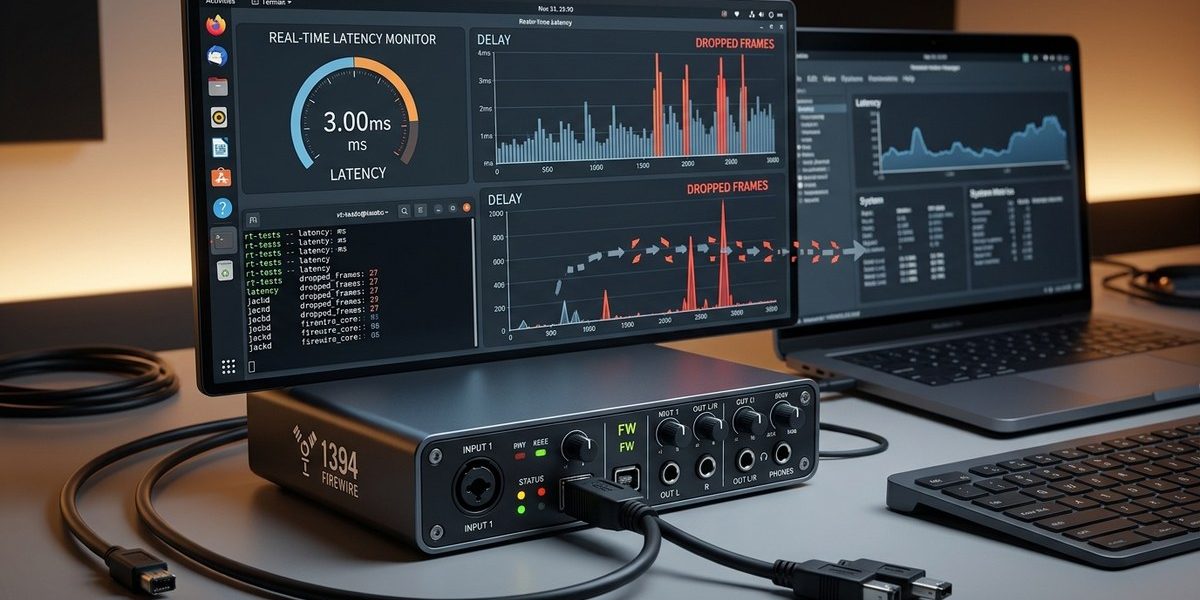

You are in the middle of a take. The vocal take was perfect. Then your DAW stutters. A frame drops. The take is ruined. If you use a FireWire audio interface on Linux, this scenario is probably familiar. The culprit is almost never the interface itself. It is latency. Or more precisely, it is the system’s inability to feed data to the FireWire bus on time.
This guide is for the Linux audio producer or engineer who needs to find and fix those drops. We will walk through diagnostic steps, kernel tuning, and real time configuration. By the end, you will know exactly where your system is falling behind and how to fix it.
Frame drops in a FireWire audio interface on Linux are almost always caused by system latency, not the hardware itself. This article provides a repeatable diagnostic workflow: measure DPC latency, check the FireWire kernel module, tune CPU governor and interrupt handling, and verify with a real time kernel. You will leave with a checklist to stabilize any Linux DAW.
Start With the Obvious: Isolate the Interface
Before you blame the kernel, rule out the easy stuff. Your FireWire interface needs a clean connection. Check the cable first. A damaged FireWire 400 or 800 cable introduces packet loss that looks like a driver problem. Swap it if you have a spare.
Next, check the port. If you are using a PCIe FireWire card, make sure it is seated properly. Some cheap cards use a controller chip that Linux does not support well. The Texas Instruments chipset is the gold standard for Linux compatibility. If you are on a laptop with a built in FireWire port, you are usually fine, but check for physical damage.
Finally, confirm that your interface is not overheating. Audio interfaces, especially older units with FireWire, can throttle or drop frames when they get too warm. Give it some breathing room.
The Three Main Causes of Frame Drops on Linux
Frame drops happen when the audio buffer runs dry. The system did not deliver new samples in time. On Linux, three things cause this:
- DPC latency (interrupt handling delays)
- Kernel module misconfiguration for the FireWire stack
- CPU throttling from power saving or thermal limits
Each one requires a different fix. Let us diagnose them in order.
Diagnose DPC Latency with a Real Time Test
DPC stands for Deferred Procedure Call on Windows, but the concept applies to Linux. We are measuring how long the CPU spends handling interrupts before it returns to your audio thread. If that time exceeds your buffer period, you get a drop.
Step 1: Install a latency monitoring tool
The best tool for this is latencytop. It shows which kernel function is stealing time. Install it with your package manager:
sudo apt install latencytop   # Debian/Ubuntu
sudo dnf install latencytop   # Fedora
Run it while your DAW is playing back a loop:
sudo latencytop
Watch the top entries. If you see ieee1394 or firewire related functions high on the list, your FireWire kernel module is struggling. If you see graphics drivers or network interrupts, those are stealing cycles.
Step 2: Use powertop to find interrupt sources
powertop is not just for power management. Its “Interrupt” tab shows which hardware component is generating the most interrupts per second. A high interrupt rate from your USB controller or Wi-Fi card can starve your FireWire bus.
Run:
sudo powertop
Press the Tab key to cycle to the “Interrupts” view. If you see a device generating more than a few thousand interrupts per second, that device is a suspect. Disable it temporarily to see if frame drops stop.
Tune the FireWire Kernel Module
The Linux FireWire stack relies on the ieee1394 kernel module. If it is not compiled for real time performance, it can introduce jitter. You have two options: use the stock module with tuned parameters, or rebuild it.
Check your current module settings
cat /sys/module/ieee1394/parameters/*
Most distributions ship with default parameters that favor compatibility over low latency. A common fix is to adjust the fifo_delay parameter. This controls how long the driver waits before flushing data to the FireWire bus. Lower values reduce latency but increase CPU load.
Apply a tuning parameter
echo 100 > /sys/module/ieee1394/parameters/fifo_delay
Test with your DAW. If drops persist, try values between 50 and 200. Anything below 50 may cause buffer underruns on older hardware.
For a permanent change, add a configuration file:
echo "options ieee1394 fifo_delay=100" | sudo tee /etc/modprobe.d/ieee1394.conf
If you need more control, consider building custom Linux kernel modules for FireWire hardware integration. That guide walks you through compiling a low latency version of the module.
CPU Governor and Power Management
Modern Linux distributions default to a power saving CPU governor. This is the enemy of low latency audio. When the CPU scales down its frequency, it takes extra milliseconds to ramp back up. Those milliseconds cause frame drops.
Set the CPU governor to performance
sudo cpupower frequency-set -g performance
Verify it is active:
cpupower frequency-info
For a permanent solution, disable the thermald and power-profiles-daemon services if you are on a desktop workstation. They are unnecessary and add latency.
Disable turbo boost if needed
Some CPUs produce too much heat under turbo boost, which triggers thermal throttling. Throttling causes intermittent latency spikes. Disable turbo boost for a stable baseline:
echo 1 | sudo tee /sys/devices/system/cpu/intel_pstate/no_turbo
The Real Time Kernel Question
Do you need a real time kernel? For most FireWire audio interfaces, the answer is yes if you are running at buffer sizes below 128 samples. The stock kernel can handle 256 or 512 samples without drops on a modern machine. But if you need low latency monitoring, install the real time kernel.
Install the real time kernel on Ubuntu
sudo apt install linux-lowlatency
On Fedora, the kernel-realtime package is available from the RPM Fusion repository.
After installation, reboot and select the RT kernel from the GRUB menu. Run your DAW again. The difference in jitter is noticeable.
If you want to understand how the RT kernel interacts with FireWire at a lower level, read understanding low-level FireWire hardware communication on Linux.
FireWire Driver and Firmware Checks
Your audio interface relies on a specific driver. For class compliant FireWire audio interfaces, Linux uses the ffaudio or snd-firewire modules. Check that the correct one is loaded:
lsmod | grep firewire
lsmod | grep ffaudio
If you do not see a driver, your interface may need a proprietary firmware update. Some older interfaces (like the Focusrite Saffire Pro series) require a firmware flash that can only be done from Windows or macOS. If you bought a used unit, confirm the firmware is up to date.
For interfaces that use the ffaudio driver, you can adjust the buffer size in the driver itself, separate from your DAW. Edit /etc/ffaudio.conf or pass parameters via the module load line.
A Systematic Diagnosis Workflow
Here is a numbered list to follow every time you encounter frame drops:
- Check hardware: cable, port, chipset, temperature.
- Measure latency: run
latencytopandpowertopduring playback. - Tune the FireWire module: adjust
fifo_delayto 100. - Set CPU governor to performance: disable power saving.
- Disable conflicting hardware: turn off Wi-Fi and Bluetooth for testing.
- Test with a real time kernel: install and boot into it.
- Verify driver and firmware: load the correct audio driver.
Common Mistakes and Fixes
| Mistake | Why It Hurts | The Fix |
|---|---|---|
| Using a USB hub for the FireWire card | USB hubs share bandwidth and add latency | Plug the FireWire card directly into a motherboard slot |
| Running a compositor like Compiz or KWin | Compositors add GPU latency that steals CPU time | Use a minimal window manager like Openbox or i3 |
| Leaving network services running | Network interrupts compete with audio | Stop NetworkManager during sessions: sudo systemctl stop NetworkManager |
| Using a swap file on a slow HDD | Swap thrashing causes random latency spikes | Move swap to an SSD or disable it entirely |
| Not checking kernel parameters after a kernel update | Updates reset modprobe settings | Reapply your ieee1394.conf and CPU governor settings |
What to Do When Nothing Works
Sometimes the issue is not software. FireWire is an old standard. Some modern motherboards have poor FireWire controller implementations. If you have tried everything and still see drops, consider switching to a Thunderbolt to FireWire adapter, or upgrading to a USB 3.0 interface.
But before you abandon FireWire, run one more test. Boot a live USB of a different distribution. Ubuntu Studio and Fedora Jam come preconfigured for low latency audio. If the drops disappear on the live session, your current installation has a configuration problem, not a hardware one.
For a deeper look at system wide monitoring, see mastering system monitoring tools for Linux power users. It covers tools like perf and strace that can pinpoint the exact function causing the delay.
Keep Your System Lean for Audio
The best way to prevent frame drops is to keep your Linux system minimal. Do not run a web browser in the background. Disable animations. Use a lightweight desktop environment. Every background process is a potential source of latency.
“The most stable Linux audio workstation I ever built ran on a Debian netinstall with nothing but ALSA, JACK, and a FireWire interface. No desktop environment at all. Just a terminal and a DAW.” — veteran Linux audio engineer
That advice still holds in 2026. The leaner your system, the fewer variables you have to troubleshoot.
Your Next Steps for a Stable FireWire Setup
You now have a repeatable process. The next time you see a frame drop, do not guess. Work through the diagnostic steps in order. Check the cable. Run latencytop. Tune the module. Set the governor. Disable distractions. Install the real time kernel. The fix is almost always one of these.
If you want to go further, consider how to build a real time Linux audio workstation with FireWire in 2026. That guide covers the full build from scratch, including partitioning, kernel compilation, and JACK configuration.
FireWire is not dead. It still offers lower latency than USB 2.0 and more reliable bandwidth than USB 3.0 on a shared bus. With the right tuning, it can be the backbone of a solid Linux studio. Take the time to diagnose your system, and you will get years of stable performance out of that old interface.