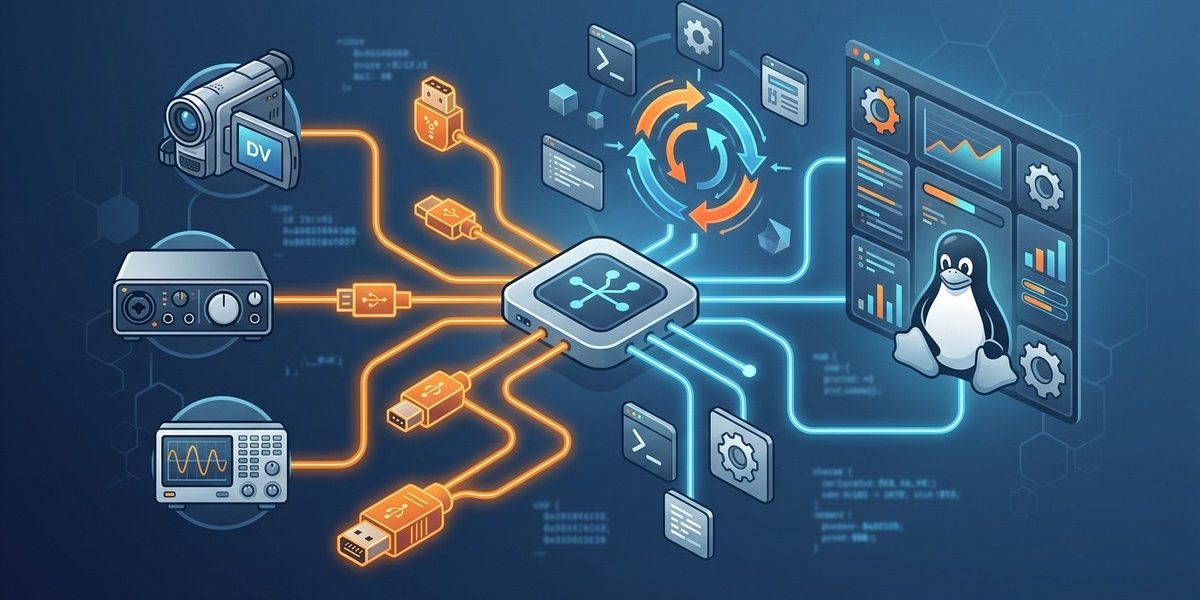

Managing FireWire devices on Linux can seem complex at first, especially with the array of hardware and driver options available. Whether you’re an audio professional connecting digital audio interfaces or a Linux enthusiast wanting to understand hardware management better, mastering FireWire device management is key to a smooth experience. This guide walks you through practical steps, common issues, and expert tips to ensure your FireWire devices work reliably on your Linux system.
Efficient FireWire device management on Linux requires understanding kernel modules, proper device configuration, and troubleshooting techniques. By following clear steps and best practices, you can ensure reliable connectivity for audio and video hardware, making your Linux system a powerful platform for FireWire peripherals.
Getting FireWire devices to work seamlessly on Linux involves understanding the system’s device management, drivers, and the tools available. FireWire, also known as IEEE 1394, remains popular among audio and video professionals due to its high bandwidth and low latency. However, managing these devices on Linux can sometimes be tricky due to driver compatibility issues or misconfigurations. This guide provides practical advice and step-by-step instructions to help you get your FireWire devices up and running smoothly.
Understanding FireWire Support on Linux
Linux supports FireWire primarily through the ieee1394 subsystem, which includes the core driver and various user-space tools. The core driver, often called firewire_ohci, handles communication with FireWire hardware. For audio devices, the ALSA (Advanced Linux Sound Architecture) subsystem offers modules like snd-firewire to facilitate device management.
It’s important to verify whether your kernel has the necessary modules enabled. Most modern Linux distributions include FireWire support out of the box, but some older kernels or minimal setups may lack proper driver support. To check if your system recognizes FireWire hardware, run:
lspci | grep -i firewire
or
lsusb | grep -i firewire
If your device appears, you’re on the right track. Otherwise, you may need to load specific modules or update your kernel.
Setting Up FireWire Devices on Linux
1. Ensure Kernel Modules Are Loaded
Most FireWire hardware relies on the firewire_ohci or ohci1394 modules. Load these modules with:
sudo modprobe firewire_ohci
Check if the modules are loaded:
lsmod | grep firewire
If you see firewire_ohci or ohci1394, your system is ready to recognize FireWire devices.
2. Connect Your FireWire Device
Plug in your device and verify detection via dmesg:
dmesg | grep -i firewire
You should see logs indicating device connection. For audio interfaces, the device might be listed as firewire or similar.
3. Install and Configure ALSA FireWire Support
For audio devices, installing ALSA is essential. Most distributions include ALSA by default, but ensure the snd-firewire module is loaded:
sudo modprobe snd-firewire
Use aplay -l or arecord -l to list available audio devices. Your FireWire audio interface should appear as a device.
4. Troubleshoot Connection Issues
If your device isn’t recognized, consider:
- Checking cable and port health.
- Trying different FireWire ports.
- Updating your kernel to a newer version with better hardware support.
- Using
firewire-rawtools to test device communication.
5. Managing FireWire Devices Effectively
Once recognized, managing FireWire devices involves configuring the appropriate drivers and ensuring the system’s stability. For audio workflows, setting the correct sample rate and buffer size in your audio applications is vital for low latency.
Troubleshooting Common FireWire Problems
| Technique | What it Fixes | Mistake to Avoid |
|---|---|---|
| Checking kernel modules | Device not recognized | Forgetting to load snd-firewire or firewire_ohci modules |
| Updating kernel | Compatibility issues | Using outdated kernels lacking FireWire support |
Testing with firewire-raw |
Communication errors | Ignoring device-specific troubleshooting steps |
| Replacing faulty cables | Connection drops | Assuming hardware is always functional without testing cables |
| Adjusting power management | Device instability | Disabling power saving features that interfere with device stability |
Expert tip: Always keep your kernel and drivers updated. FireWire hardware relies on kernel modules that improve over time, especially for professional audio hardware.
Best Practices for FireWire Device Management on Linux
- Use stable kernel versions known for reliable hardware support.
- Regularly update your system to incorporate the latest fixes.
- Create udev rules to automate device permissions and configurations.
- Backup your ALSA configurations to quickly restore settings if needed.
- Test each device individually before integrating into your workflow.
Creating udev Rules
Custom udev rules can automate device permissions and setup. For example, create a rule such as:
sudo nano /etc/udev/rules.d/99-firewire.rules
And add:
SUBSYSTEM=="firewire", GROUP="audio", MODE="0660"
This grants appropriate permissions for your FireWire audio devices.
Final Tips for Smooth FireWire Management
- Keep your system’s firmware and BIOS updated to prevent hardware recognition issues.
- Use the
lspciandlsusbcommands regularly to monitor device status. - For audio professionals, consider configuring JACK or PulseAudio to recognize FireWire interfaces.
- If problems persist, check online forums like the LinuxMusicians community or FireWire specific Linux pages.
Connecting FireWire Devices to Your Linux Workflow
Managing FireWire devices on Linux involves a combination of hardware checks, driver management, and configuration. By understanding your system’s kernel modules, properly connecting your devices, and troubleshooting common issues, you can harness FireWire hardware’s full potential. Whether recording high-quality audio or capturing video, reliable device management makes all the difference.
Remember that patience and systematic testing are your best tools. Start with a clean setup, verify each step, and gradually build a stable FireWire environment tailored to your needs. Your Linux system can become a powerful platform for multimedia production with the right management strategies.
Final thoughts on FireWire device management on Linux
Getting your FireWire devices to work consistently on Linux may require some effort, but the results are worth it. With a clear understanding of kernel modules, device recognition, and troubleshooting techniques, you can achieve a setup that is both reliable and efficient. Focus on staying updated, configuring properly, and engaging with the Linux audio community. Your hardware will thank you, and your workflow will run smoother than ever.
